
Apps & Counters
Online Push Up Counter: Free Browser Tool
Use an online push up counter to track reps with a button or camera. No install required. Free browser tool with offline support.


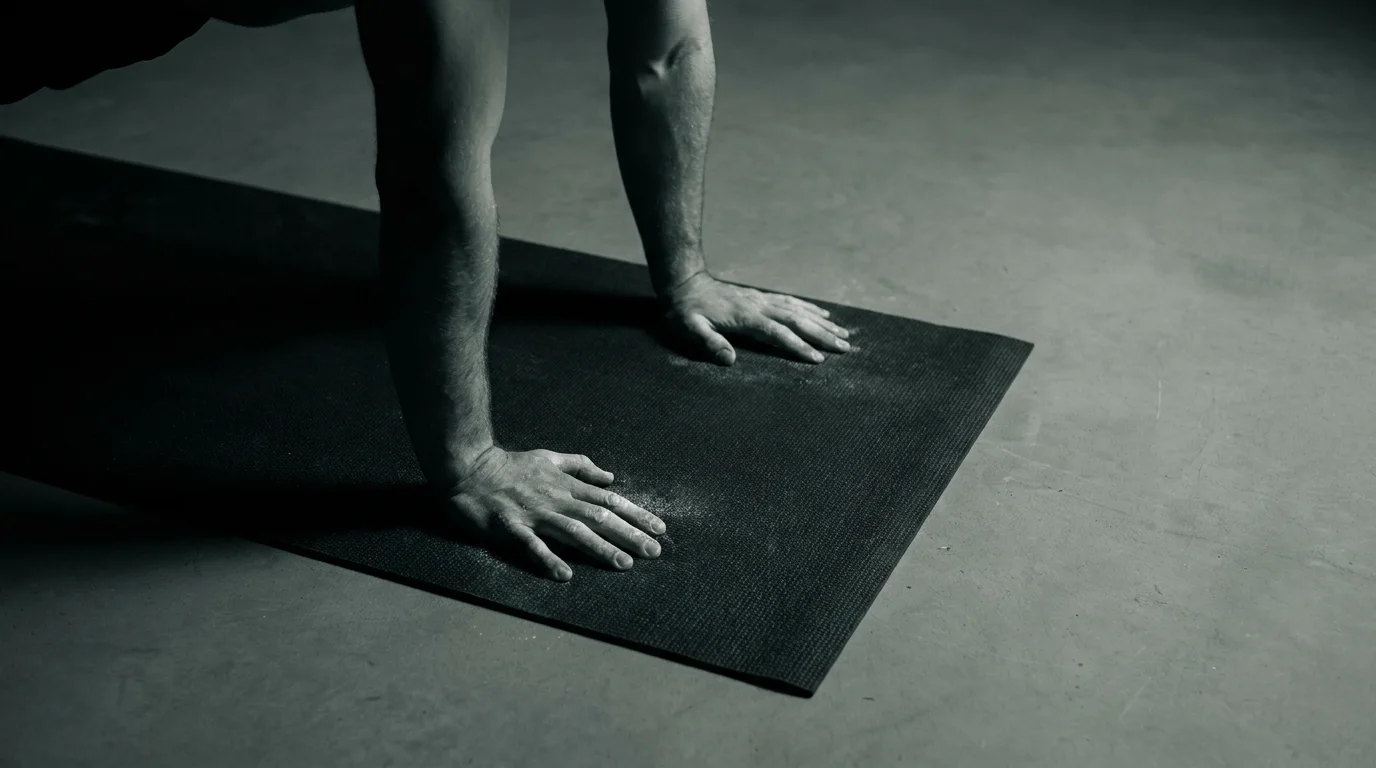
Manual in-browser push-up counter: count with a button or spacebar
Getting started in manual mode
- Open the online push up counter page in your browser. It runs offline after the page loads and requires no sign in or installation.
- To count reps, click the on screen button or press the spacebar. The spacebar push-up counter works even if you pause for a moment between reps, as long as the page is focused.
- Use a comfortable display size and, if you like, expand to full screen to keep the count easy to read. This is a browser-based push-up counter solution you can trust without extra software.
Live tally
- The live tally updates instantly with each press.
- The current count is centered and grows larger at milestones to help you stay in rhythm.
Session time and controls
- Start, pause, and reset controls let you manage each set and rest period.
- After your session, use the basic data export options to download a simple file of your numbers for your records.
Camera-based automatic counting in the browser
How the camera-based counter works in real time
- The browser-based push-up counter uses your device camera to watch your form. A lightweight pose-detection model analyzes frames to identify joints such as shoulders, elbows, hips, and wrists.
- As you move through the push-up, the tool tracks top and bottom positions and counts reps in real time. It is a browser-based push-up counter you can use as an online push up counter without installing anything.
Starting a camera-based session without installing anything
- In your browser, grant camera access when prompted.
- Click Start to begin counting. No installation, no account required.
Calibration, and privacy
- A quick calibration helps the model map your height and distance from the camera.
- Your video is used to count reps while you train. You can disable the camera any time; no account required.
Accuracy benchmarks
- Good lighting and a clear view of your torso and arms improve counting accuracy.
- If your form shifts or you pause, the count may adjust. When ready, perform a full set of reps to see the count.
Privacy, exports, accessibility, and no-install workflow for both modes
Both modes come with privacy guarantees and offline data handling. Your reps stay in your browser unless you choose to export them. No sign in is required, and there is no automatic transmission of data.
Step-by-step no-install workflow for both modes
- Open the page in a modern browser. No install needed.
- Choose manual mode by pressing spacebar to count or switch to camera based counting.
- For camera mode, grant permission and position yourself so the camera can track your form.
- Do your push ups and let the counter register each rep.
- When you finish, review the session. Data stays on this device unless you export it.
Export formats, analytics, and sharing
- Exportable session summaries and analytics can be saved to your device or shared with a coach.
- You can generate a readable report or a data file you can import elsewhere.
- Sharing options include sending a link or attaching the export.
Accessibility and device compatibility
- Keyboard navigation, clear labels, and scalable text help with accessibility features.
- The layout adjusts for mobile responsiveness so you can use home workouts on phones or tablets.
- The tool works in most modern browsers without plugins, supporting both spacebar push up counter free usage and online push up counter camera based counting. Open the page, choose your mode, and start your first session.
Frequently asked questions
How does a push-up counter work?
Manual mode logs reps by tapping the on screen button or pressing the spacebar. Camera mode uses a pose-detection model to count reps automatically as you move.
Can a push-up counter count automatically using the camera?
Yes, camera mode uses your device camera and a pose-detection model to count reps automatically as you perform push ups.
Do online push-up counters require installing software?
No installation or sign in is required; you run it in a modern browser.
Does data stay on my device or get uploaded?
Reps stay in your browser unless you export them; you can download a CSV file to save your records.
About the authors

Goran Huskić
Co-founder · Professional basketball player
Goran Huskić is a Serbian professional basketball player — a 6'11" center currently playing for Monbus Obradoiro in Spain's Primera FEB. He won the 2019–20 Basketball Champions League with San Pablo Burgos and has competed professionally across Spain, Germany, Lithuania, Serbia and the United States. He co-founded PUSHapp to bring pro-level training discipline to everyday workouts.

Nikola Janković
Co-founder · Former professional basketball player
Nikola Janković is a former professional basketball player — a 6'9" forward and the 2016–17 ABA League MVP — who played for Partizan, Union Olimpija and Mega, among others. Today he runs a pilates studio and gym focused on strength, mobility and overall wellbeing. He co-founded PUSHapp to make consistent, measurable training simple for everyone.