
Apps & Counters
Push Up App for Apple Watch: Auto Count & Health Sync
Find the best push up app for apple watch that auto-counts reps, tracks progress, and syncs with Apple Health.


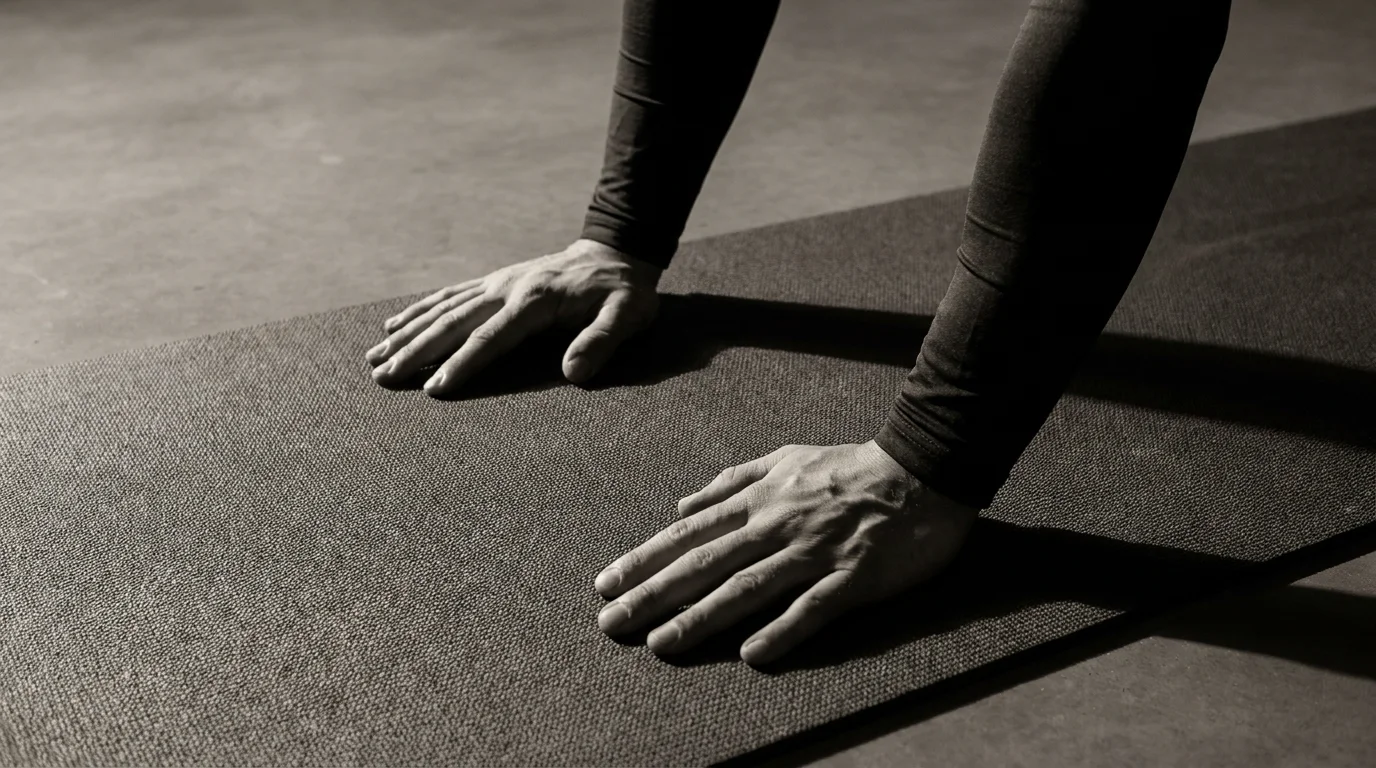
Push Up App for Apple Watch: Auto Count, Progress Tracking, and Health Sync
The push up app for apple watch tracks your reps automatically, shows a clean progress dashboard, and syncs with Apple Health so workouts live in one place. It introduces AR counting powered by ARKit and core workout modes to structure your sessions. For best results, pair with your iPhone to maximize data flow and compatibility with Health.
Auto Counting with ARKit on Apple Watch
Automatic counting uses the watch’s motion sensors, enhanced by ARKit with your iPhone camera when available. You’ll see a live count on your wrist, plus quick feedback on sets and form. It’s a practical, hands-free way to stay on track and is often described as the best push up app for Apple Watch with AR counting.
Health Sync and Workout Modes
Reps feed Apple Health automatically, building a single workout entry you can view in the Health app. The dashboard shows trends and streaks. Core modes include Endurance, Strength, and Form Focus to match your goals.
Cross-Device Data Storage and Privacy Basics
Your data stays on-device by default, with optional cloud backups if you enable them. Health data follows Apple Health permissions; you control what is shared with iPhone integration and third-party services.
AR Counting Performance, Privacy, and Data Management
AR Counting Across Devices and Lighting Conditions
- AR counting performance across devices varies; ARKit push ups counter apple watch tends to be more stable on newer iPhone and Apple Watch generations.
- Lighting matters: bright, even light improves tracking; dim or backlit scenes can cause brief miscounts.
- For best results, keep the camera framing steady, facing your torso and arms, and maintain a steady rep pace.
Privacy-First Processing vs Cloud-Based Counting
- Privacy-first processing runs on-device, keeping data local unless you opt in to cloud sync.
- Cloud-based counting can boost accuracy and history but requires network use; you can toggle between options in Settings.
Data Export, Import, and Privacy Controls
- Export session data as CSV/JSON; import on a new device to continue tracking.
- Apple Health integration can be enabled; Push Up Counter and Tracker Apple Health data can sync with your health app—adjust privacy controls to limit transfers.
Live Activity Widgets & Lock Screen Support
- Live Activity widgets show real-time counts; lock screen integration push ups keeps the current count visible without opening the app.
- Enable in Settings; visibility may vary with privacy choices.
Workout Structures, Motivation, Accessibility, and Health Ecosystem
Custom Workouts: Sets, EMOM, Tabata, and Max Reps
- Build sessions from clear blocks: define sets and reps, or fixed time for Max Reps.
- EMOM: choose a target reps per minute; complete it, then rest until the next minute starts.
- Tabata: 20 seconds work, 10 seconds rest, for 8 rounds; scale by adjusting reps or tempo.
- Max Reps: push hard for a predetermined window, then record and compare PRs. Ensure the Push Up Counter and Tracker with Apple Health integration keeps your history synced.
Reminders, Streaks, and Motivation
- Set gentle reminders before each workout; enable quick-start prompts.
- Track streaks to reinforce consistency; celebrate milestones with non-disruptive cues.
- Use concise on-device cues during sets to stay present without breaking form.
Accessibility and Multilingual Coaching
- Adjust text size, contrast, and haptic feedback; enable voice or visual coaching cues.
- Access coaching in multiple languages; switch without pausing your session.
Privacy, Data Ownership, and Health App Integration
- Control data sharing with Apple Health and other apps; review permissions anytime.
- Export your data if you want a personal copy of workouts and metrics.
- Health App Integration keeps health and workout data in one ecosystem, with clear privacy controls and data export options.
Frequently asked questions
How do push-up counting apps count reps—camera, depth sensing, or facial tracking?
They count from the watch’s motion sensors, augmented by ARKit with your iPhone camera when available. There’s no facial tracking involved.
Can push-up apps sync push-up data with Apple Health or Fitness Rings?
Yes—reps feed Apple Health automatically, building a single workout entry; you control what data is shared via Health permissions.
Do these apps work without iPhone, and can they run on Apple Watch alone?
Data can stay on-device by default and may run on Apple Watch, but for best Health sync and data flow you should pair with iPhone.
What workout modes are available (Sets, EMOM, Tabata, Max Reps)?
You can build sessions with Sets, EMOM, Tabata, and Max Reps; core modes also include Endurance, Strength, and Form Focus.
About the authors

Goran Huskić
Co-founder · Professional basketball player
Goran Huskić is a Serbian professional basketball player — a 6'11" center currently playing for Monbus Obradoiro in Spain's Primera FEB. He won the 2019–20 Basketball Champions League with San Pablo Burgos and has competed professionally across Spain, Germany, Lithuania, Serbia and the United States. He co-founded PUSHapp to bring pro-level training discipline to everyday workouts.

Nikola Janković
Co-founder · Former professional basketball player
Nikola Janković is a former professional basketball player — a 6'9" forward and the 2016–17 ABA League MVP — who played for Partizan, Union Olimpija and Mega, among others. Today he runs a pilates studio and gym focused on strength, mobility and overall wellbeing. He co-founded PUSHapp to make consistent, measurable training simple for everyone.