Apps & Counters
Bodyweight Workout App: Guided AI Coach & Progression
Discover a bodyweight workout app with an AI coach, no equipment, and progressive, home-friendly routines designed for beginners to pros.
Onboarding, safety, and getting started with AI-Coached bodyweight workouts
Step-by-step onboarding for the first session
- The AI coach greets you in the bodyweight workout app and asks for goals, injuries, experience, and available days.
- You enter details; the coach outlines the plan and confirms consent.
- A quick movement screen follows: push variation, bodyweight squat, hip hinge, and plank hold to check form.
- The coach explains safety cues and how the initial workout will adapt.
Warm-up protocol and safety cues
- A 6 to 8 minute dynamic warm-up sequence includes neck circles, shoulder rolls, hip circles, inchworms, leg swings, ankle mobilizations, and light bodyweight squats.
- The home workout app guides your pace and safety cues, reminding you to keep a neutral spine, brace the core, shoulders relaxed, and breathe steadily.
Setting goals and the initial assessment
- You set a target like days per week and session length; the AI coach saves this in the bodyweight app profile.
- The initial assessment uses the screen results and goals to tailor a starter plan drawn from no equipment workouts, aligned with a bodyweight training app philosophy in a calisthenics app.
- Then the AI coach starts your first no equipment workout.
AI-Guided progressive overload: weekly plans, metrics, and concrete progressions
Across weeks, the AI coach adjusts volume and difficulty based on your logged sessions, form notes, and rest days in this bodyweight app. It builds a clear weekly plan that starts simple and adds small increases in reps or a tougher variation each week, all without weights.
Weekly progression map and visuals
- The weekly plan runs a four to six week cycle with balanced focus across push, pull, and core.
- A simple progress visual shows bars and color cues for quick reading.
Pull-up progression example (weeks 1 to 8)
- Week 1: 3 sets of 3 assisted pull-ups or slow negatives.
- Week 2: 3x4 with lighter assistance.
- Week 3: 4x3 with controlled tempo.
- Week 4: 4x4.
- Week 5: 4x5.
- Week 6: 3x6.
- Week 7: 3x6 with minimal assist.
- Week 8: 3x6 to 7 unassisted if you can.
Other core progression paths (push-ups, squats, planks)
- Push-ups move from incline to standard, add a bottom pause.
- Squats add tempo and paused reps, then jump squats.
- Planks extend holds and add side planks. The app unlocks the next progression week when you complete the current one.
Space, quiet environment filters and home-first design
Filters for space and noise constraints
- The bodyweight workout app includes filters for space-limited and quiet environments. It selects moves that fit a small footprint and reduces jumps and loud floor impacts.
- You can choose no equipment workouts and still train full body.
- The AI coach arranges sequences to minimize furniture clearance and ceiling risk, favoring standing or seated variations when needed.
Safety cues and exercise modifications for small spaces
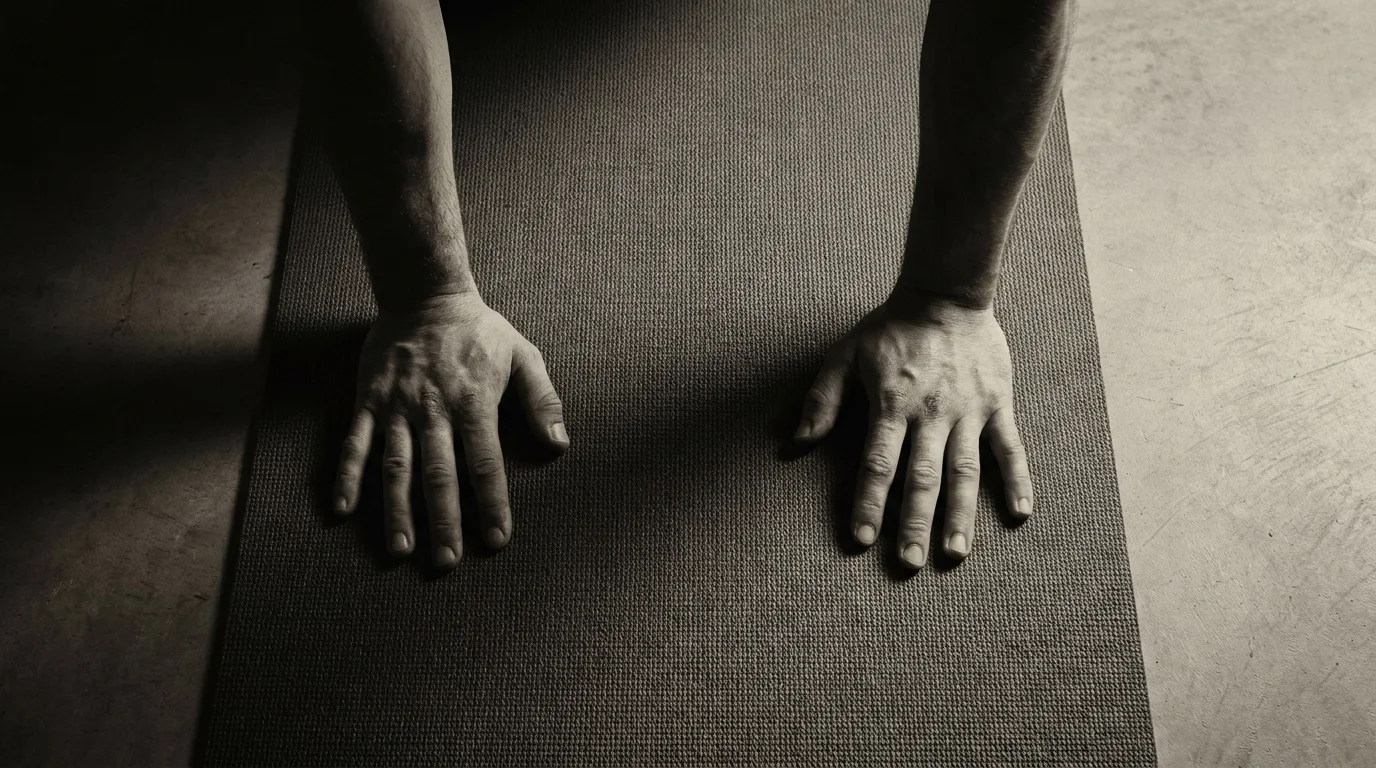
- Clear a small area and, if possible, use a mat to protect joints.
- Modify pushups to incline or knee versions; use a wall or table for incline presses if space is tight.
- Maintain form: neutral spine, shoulders down, core engaged. Favor slow, controlled movements to limit noise and avoid banging furniture.
Bodyweight vs gym app: muscle gain and outcomes
- With progressive overload, the bodyweight workout app can drive meaningful gains in muscle and strength using tempo, reps, and leverage to progress.
- Fat loss comes from energy balance; calories matter, regardless of plan.
- Compared with a traditional gym app, bodyweight training offers convenience and consistency; outcomes hinge on adherence, recovery, and nutrition.
Frequently asked questions
Do I need any equipment for this bodyweight training?
No equipment is required; you can train full body with no gear, and the app offers space and quiet environment filters to fit a small room.
What is the AI coach in this bodyweight app?
The AI coach guides onboarding, collects your goals, injuries and experience, runs a quick movement screen, outlines your starter plan, and then adjusts weekly volume and difficulty based on your sessions and feedback.
How often should I train per week?
You set days per week during onboarding and the AI coach saves this in your profile to tailor your weekly plan.
About the authors
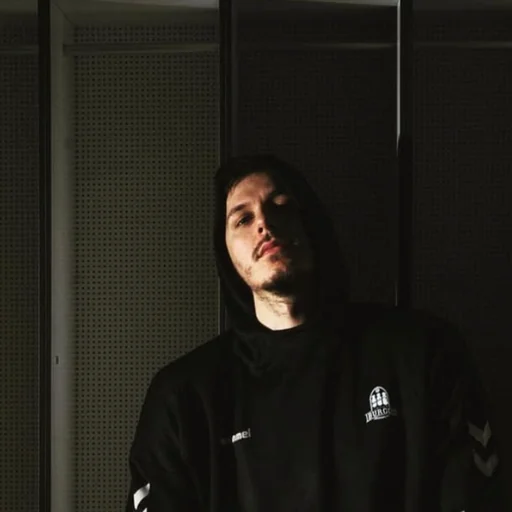
Goran Huskić
Co-founder · Professional basketball player
Goran Huskić is a Serbian professional basketball player — a 6'11" center currently playing for Monbus Obradoiro in Spain's Primera FEB. He won the 2019–20 Basketball Champions League with San Pablo Burgos and has competed professionally across Spain, Germany, Lithuania, Serbia and the United States. He co-founded PUSHapp to bring pro-level training discipline to everyday workouts.
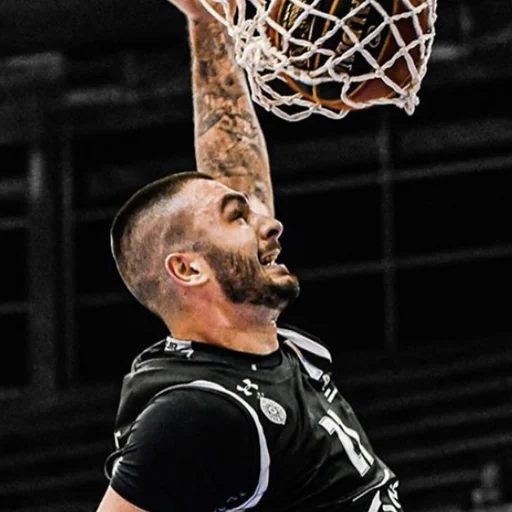
Nikola Janković
Co-founder · Former professional basketball player
Nikola Janković is a former professional basketball player — a 6'9" forward and the 2016–17 ABA League MVP — who played for Partizan, Union Olimpija and Mega, among others. Today he runs a pilates studio and gym focused on strength, mobility and overall wellbeing. He co-founded PUSHapp to make consistent, measurable training simple for everyone.