
Apps & Counters
Push Up App for iphone: Auto Count & Training Plans
Discover a push up app for iphone with auto-count, progress tracking, training plans, and Apple Health integration.


Core Counting Tech: AR, Camera-based, and Hybrid Accuracy
Understanding counting methods
- AR push up counter uses the push up counter iphone with the iPhone camera and ARKit to anchor joints and count reps as you press up, handling standard, incline, and decline forms.
- Camera-based counting analyzes 2D motion cues and works well in stable lighting; it stays efficient as a fallback when AR isn’t ideal.
- Hybrid counting combines AR anchors with 2D checks, cross-validating to improve reliability while keeping all processing on-device for privacy.
Hybrid counting approach and reliability metrics
- Cross-checks reduce drift across styles; confidence scores guide live feedback; works across standard, incline, and decline.
Calibration flows for arm width, lighting, and surface
- Arm width calibration: set your natural stance; the app records joint distances to tailor detection.
- Lighting: ensure even, diffuse light; avoid strong shadows.
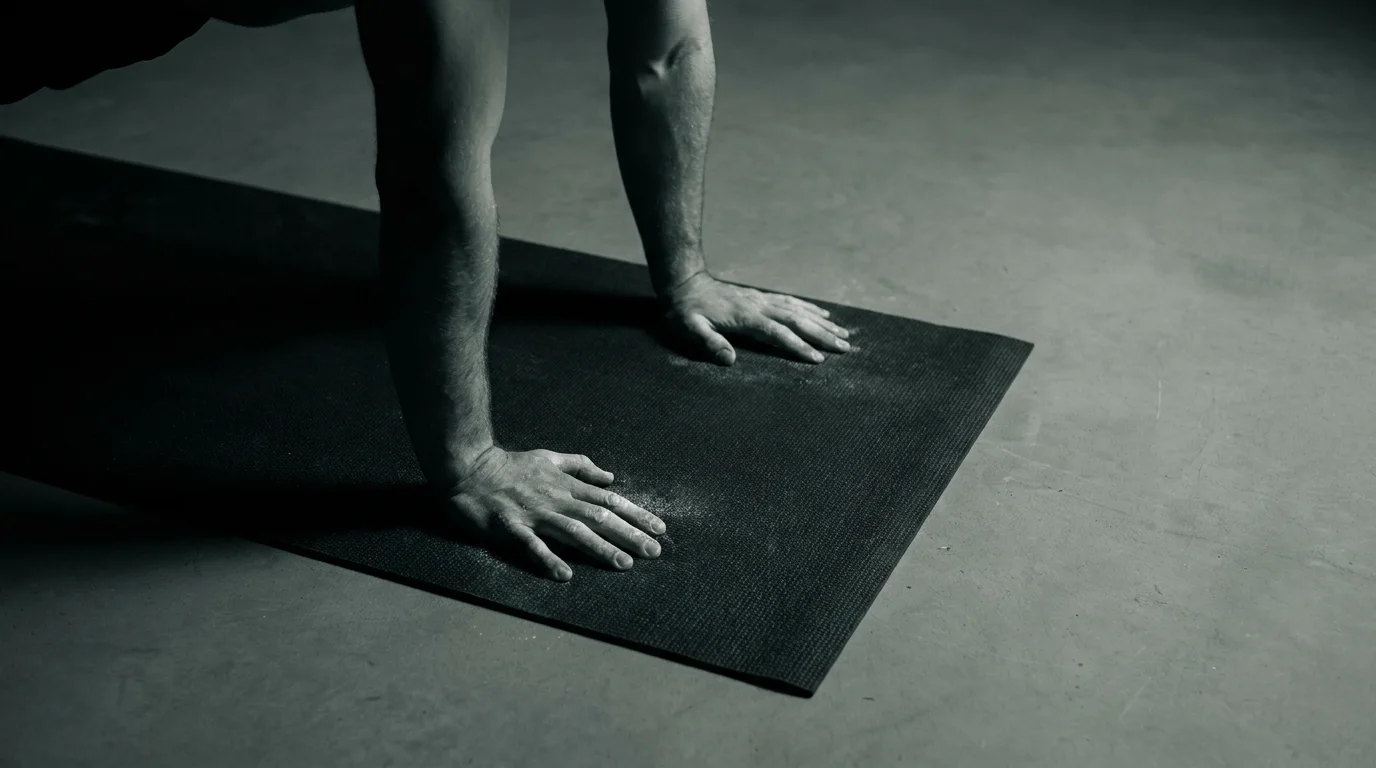
- Surface: use a flat mat on a non-slip floor to stabilize detection.
Training Plans, Modes, and Progress Tracking
The training plans in this push up app for iphone are practical and progressive, with a built-in 6-week program, flexible modes, and a clear data path into your health ecosystem.
6-week plan structure
6 weeks total: weeks 1–2 build form, weeks 3–4 add volume, weeks 5–6 peak with a final test. Expect 3–4 workouts per week, with rest days mapped in and simple progression cues.
Open goals vs fixed goals and progression
Open goals let you choose target reps or time and the app auto-adjusts as you improve. Fixed goals set a steady pace and a predictable progression. The app shows your trajectory and nudges you when to push or dial back.
Reminders, streaks, and scheduling
Daily push-up reminders app iphone keep you on track. Streaks celebrate consistency, and a calendar view keeps upcoming sessions visible.
HealthKit, Apple Health, and Strava syncing
With the push up app for iphone with apple health integration, session counts feed into Apple Health via HealthKit, and you can enable Strava syncing to share workouts across platforms. This keeps your progress visible in your broader health ecosystem.
Onboarding, Privacy-first Design, and Ecosystem Integration
Setup and pose calibration
- Open the app and begin setup; you can use a push up app for iphone without sign-in.
- Position the iPhone at chest height on a stable surface.
- Calibrate with 2–3 slow reps to establish baseline.
- The AR push up counter uses on-device processing to count reps automatically.
Lighting and surface considerations
- Keep even, soft light and a clean, non-glossy floor.
- Avoid backlight and clutter that disrupt AR tracking.
Permissions, privacy, opt-out options
- Camera access is required for AR counting, but no sign-in is needed.
- Data stays local with privacy-first data storage; opt out in Settings.
- Counts stay on-device unless you choose to back up.
Accessibility and inclusive design
- Text size, contrast, and VoiceOver support aid accessibility.
- Calibration adapts to different heights; if tracking struggles, try a different angle.
Apple ecosystem integration
- Live Activity shows reps on the lock screen or Dynamic Island.
- WatchOS lets you control sets from your Apple Watch and view counts on your wrist; widgets bring progress to the home screen.
Frequently asked questions
How do push-up counter apps count reps on iPhone (camera/AR vs sensors)?
It uses ARKit with the iPhone camera to anchor joints and count reps; when AR isn’t ideal, it can fall back to 2D camera cues, and a hybrid on‑device cross‑check improves reliability.
Are automatic counting methods accurate in varying lighting and angles?
Calibration and cross-checks improve reliability, but lighting and camera angle still matter; use even, diffuse light and a stable surface to minimize drift.
Do these apps require signing in, or can they store data locally?
No sign‑in is required by default; data stays on‑device with privacy‑first design, and you can opt to back up if you want.
Can I sync push-up data with Apple Health or other fitness apps?
Yes—session counts can feed into Apple Health via HealthKit, and you can enable Strava syncing to share workouts across platforms.
About the authors

Goran Huskić
Co-founder · Professional basketball player
Goran Huskić is a Serbian professional basketball player — a 6'11" center currently playing for Monbus Obradoiro in Spain's Primera FEB. He won the 2019–20 Basketball Champions League with San Pablo Burgos and has competed professionally across Spain, Germany, Lithuania, Serbia and the United States. He co-founded PUSHapp to bring pro-level training discipline to everyday workouts.

Nikola Janković
Co-founder · Former professional basketball player
Nikola Janković is a former professional basketball player — a 6'9" forward and the 2016–17 ABA League MVP — who played for Partizan, Union Olimpija and Mega, among others. Today he runs a pilates studio and gym focused on strength, mobility and overall wellbeing. He co-founded PUSHapp to make consistent, measurable training simple for everyone.