
Apps & Counters
Push Up App for Android: AI Coach & Counter
Discover the push up app for android with automatic counting, AI coaching, adaptive plans, and progress tracking to boost your push-up performance.


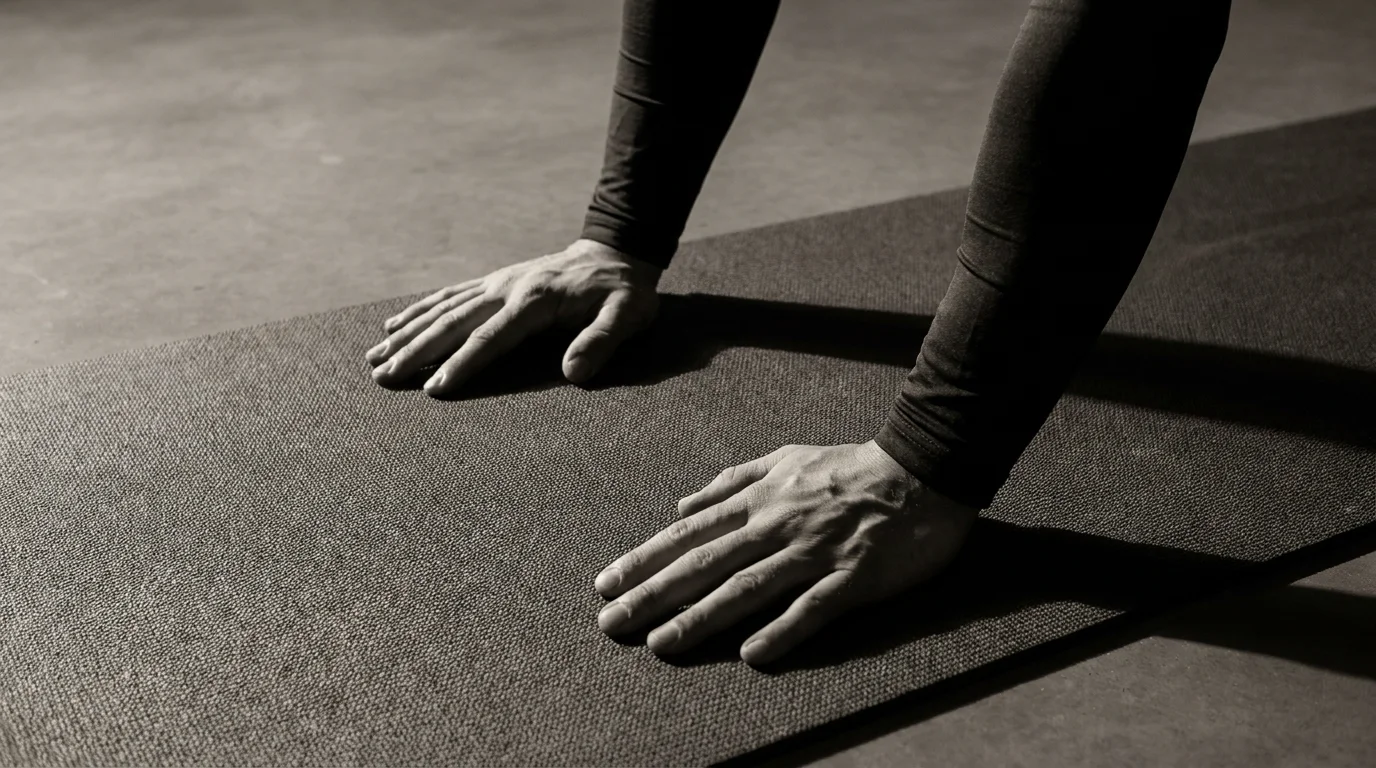
AI-Powered Counting and Real-Time Form Coaching
From the first rep, the app acts as your coach and counter. It tracks every push-up automatically and delivers real-time guidance to keep you efficient during push-up workouts. You can choose camera-based counting, a proximity-sensor mode where available, or manual logging. This makes it one of the best push up apps for android with automatic counting, and a solid push-up tracker for home or gym.
How counting works: camera-based, proximity sensor, and manual modes
- Camera-based counting uses AI to detect rep depth and arm position, a direct way to track push ups with android app camera.
- Proximity sensor mode uses nearby hardware to infer reps when the camera isn't in use.
- Manual mode lets you tap to log reps.
Real-time voice feedback, cues, and form coaching
- Voice prompts remind you to brace the core, keep hips level, and maintain elbow angle.
- On-screen cues show depth, pace, and alignment.
- Tempo guidance and rest reminders keep reps even.
Onboarding, accessibility options, and multi-language support
- Simple setup walks you through permissions and calibration.
- Accessibility options include larger text and high-contrast mode.
- Multi-language support helps a global audience.
Adaptive Training Plans, 100 Push-Ups Challenge, and Workouts
This adaptive training plan for push ups app tailors progression by adjusting reps, sets, and rest based on your recent workouts. It supports multiple workout modes and tracks progress, including the 100 Push-Ups Challenge and no-equipment routines, so you can train wherever you are.
Personalized progression and smart recommendations
- Your past sessions feed an algorithm that suggests the next workouts and target goals.
- Tempo, rest, and volume scale up gradually to keep growth steady.
- If you stall, the app nudges you with micro-goals and built-in recovery cues.
Program options: AI-guided workouts
- AI-guided workouts tailor each session to your goals and time available.
- AI push-up coach android app features include pacing, form prompts, and adaptive difficulty.
- No-equipment routines are built in for bodyweight training anywhere.
100 Push-Ups Challenge
- The 100 pushups challenge app android program guides you from warm-up to the final set.
- Progress is tracked in-session and across days to show real growth.
planned vs. free modes
- Planned mode follows a structured calendar; free mode lets you pick workouts on the fly.
- Both modes log workouts to reveal your consistent improvements.
Offline mode, data sync, and cross-device access
- Download workouts for offline use.
- Progress syncs when online and stays accessible on other devices.
Privacy, Health Integrations, and Offline/Accessibility Features
Privacy policy
We outline what data we collect, why, and how it’s treated. On onboarding, you review data usage and consent choices; you can adjust permissions in Settings at any time.
data usage details and sharing with health platforms
We explain data usage clearly and note that you control any sharing with health platforms. You can opt in or revoke access, and we do not sell personal data.
Google Health Connect integration: setup and benefits
- Setup: Settings > Health, enable Google Health Connect, grant necessary permissions.
- Benefits: workout activity can appear in your health dashboard, helping you see progress across apps.
Offline operation and data synchronization
- Offline mode: use the app without internet.
- Sync: when online, offline data is uploaded to your cloud history and reflected in connected health platforms.
Accessibility and localization
Font size and high-contrast options, screen reader compatibility, and multi-language support are available. On onboarding, you pick language and accessibility preferences.
Frequently asked questions
What is the best Android push-up app for counting reps automatically?
This is one of the best Android push-up apps for automatic counting, with AI coaching, a real-time rep counter, and in-workout guidance. It also supports camera-based counting, proximity-sensor mode, and manual logging.
How does camera-based push-up counting work in these apps?
Camera-based counting uses AI to detect rep depth and arm position to tally your push-ups.
Can I get a personalized push-up training plan on Android?
Yes. The app offers adaptive training plans that adjust reps, sets, and rest based on your recent workouts, with AI-guided workouts tailored to your goals and time available.
Do apps offer the 100 Push-Ups Challenge program and progress tracking?
Yes—the 100 Push-Ups Challenge is supported, with progress tracked across sessions to show your improvements.
About the authors

Goran Huskić
Co-founder · Professional basketball player
Goran Huskić is a Serbian professional basketball player — a 6'11" center currently playing for Monbus Obradoiro in Spain's Primera FEB. He won the 2019–20 Basketball Champions League with San Pablo Burgos and has competed professionally across Spain, Germany, Lithuania, Serbia and the United States. He co-founded PUSHapp to bring pro-level training discipline to everyday workouts.

Nikola Janković
Co-founder · Former professional basketball player
Nikola Janković is a former professional basketball player — a 6'9" forward and the 2016–17 ABA League MVP — who played for Partizan, Union Olimpija and Mega, among others. Today he runs a pilates studio and gym focused on strength, mobility and overall wellbeing. He co-founded PUSHapp to make consistent, measurable training simple for everyone.