
Apps & Counters
Pushup Challenge App: 0–100 Plan & Tracking
Discover the pushup challenge app that guides a 0–100 plan, tracks reps, schedules reminders, and boosts motivation with social features.


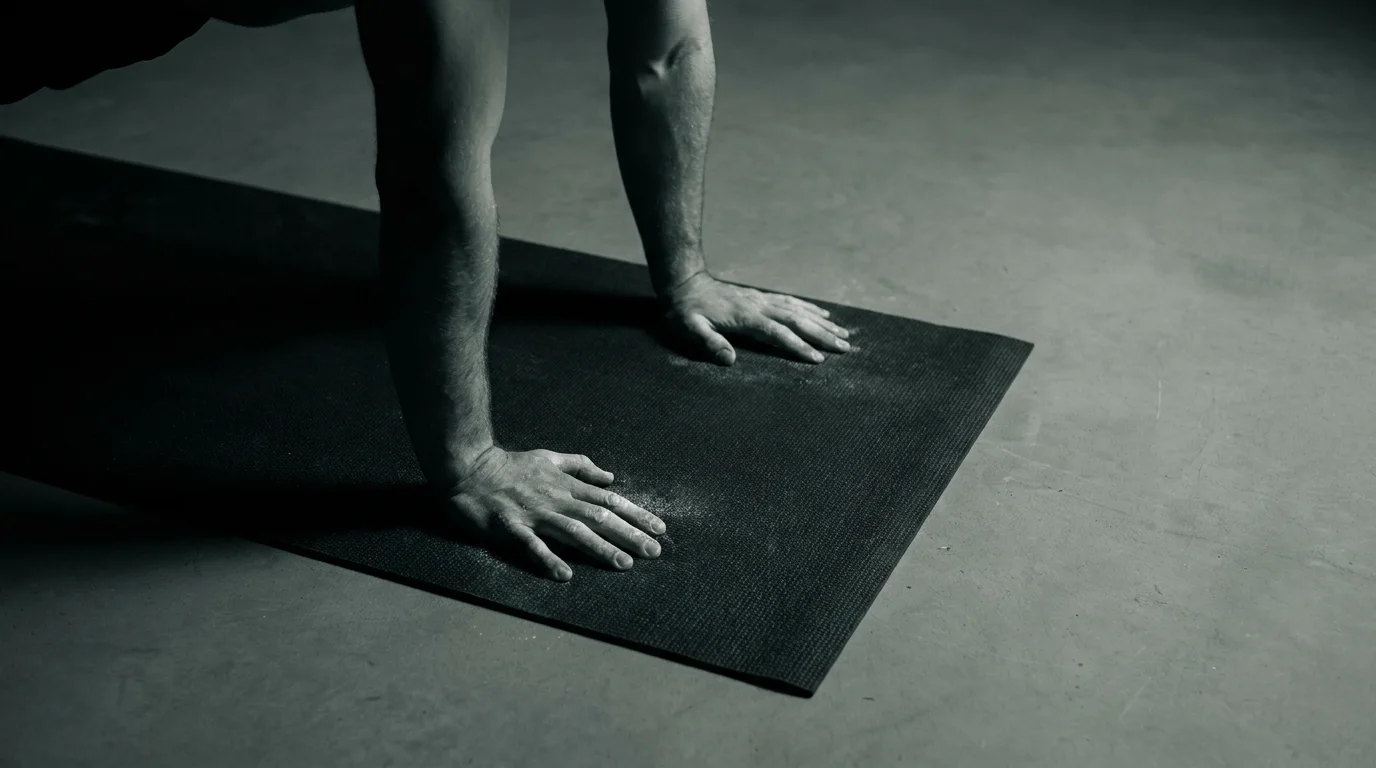
From 0 to 100: A Proven 10-Week Pushup Plan in Your Pushup Challenge App
This plan lives in your pushup challenge app, using a push up counter and a pushups tracker to guide you week by week. It moves you from your starting reps to 100 with clear, small progressions and steady tempo. The goal is consistent form and measurable gains, not burnout.
Why a 0–100 plan works
Gradual load builds strength without overdoing it. A structured path reduces guesswork and keeps you honest with your stats and form.
Week-by-week structure (10 weeks)
- Weeks 1–2: Baseline test, two sessions/week, focus on clean reps.
- Weeks 3–4: Three sessions/week, add 2–4 reps per set.
- Weeks 5–6: Three–four sessions, mix in tempo or incline options.
- Weeks 7–8: Three sessions with higher effort per set and a touch of max-rep testing.
- Weeks 9–10: Peak test, taper, then re-test to hit your new mark.
Adaptive progression and offline mode
The program adjusts to your recent output, so reps and intensity scale automatically. Offline mode keeps your workouts accessible and your data safe without a network.
Getting started: setup and initial tests
How to start a 0-100 pushups plan with an app: install, create profile, perform a max-rep test, and let the pushups tracker set your first week. If you’re on iOS, this is a strong choice for the best pushup challenge app for iOS.
Coaching, Counting, and Connected Fitness: Core Features That Drive Results
Audio coaching and form tips
- The app's audio coach pushups guides tempo, breath, and depth in real time.
- On-screen visual cues show neutral spine, level hips, elbows at ~45 degrees.
- Short form tips pop after sets to reinforce solid technique.
AR/Camera-based counting and ARKit pushups counter
- AR pushups counter uses your device camera and ARKit to count reps automatically and flag incomplete reps.
- If accuracy dips, switch to a manual push up counter option or use mixed mode.
- If you’re new, read the how to use ARKit pushups counter app guide and calibration.
HealthKit integration and cross-device sync
- Apple Health push ups data syncs to HealthKit so your workouts appear in the Health app.
- Cross-device sync keeps your pushups tracker current on iPhone, iPad, and Apple Watch.
Reminders, streaks, and social leaderboards
- Reminders help you hit workouts and maintain streaks.
- The pushup challenge app with social leaderboards lets you compare progress with friends.
- All reminders and stats stay synchronized across devices.
Privacy-First Design, Offline Access, and Deep Motivation
Privacy controls and data security
- We design with privacy-first data controls that let you choose what to share, with clear on/off toggles for analytics and leaderboards.
- Your data is encrypted in transit and at rest, and you can export or delete it at any time.
- Apple Health integration for pushups app is optional and occurs only with your explicit consent.
Offline workouts and downloadable plans
- Offline mode and downloadable workout plans let you access your 0–100 plan, warm-ups, and mobility guidance without internet.
- You can log sessions offline; when you’re back online, progress syncs automatically, so your tracker stays up to date.
Advanced motivation: quests, group challenges, and leaderboards
- Advanced motivation features beyond badges include quests that guide you through milestones, with dynamic reminders and social incentives.
- Group challenges with real-time leaderboards display progress, fostering accountability and friendly competition.
- The pushups tracker with reminders and streaks helps you stay on track, with optional Apple Health integration for pushups app and a consent-based sync.
Frequently asked questions
How does the pushup counter work—camera/AR or manual?
The app uses an ARKit-based camera counter to track reps automatically and flag incomplete reps; you can switch to a manual counter if you prefer.
Can I progress from beginner to 100 pushups with this app?
Yes. It provides a 10-week 0–100 pushup plan that starts from your baseline and progresses with small, measurable reps and coaching to maintain form.
Does the app integrate with Apple Health?
Yes. Pushups data syncs to HealthKit and the tracker stays in sync across iPhone, iPad, and Apple Watch.
Is there an audio coach and in-workout guidance?
Yes. The app includes an audio coach that guides tempo, breath, and depth in real time, plus on-screen form tips.
About the authors

Goran Huskić
Co-founder · Professional basketball player
Goran Huskić is a Serbian professional basketball player — a 6'11" center currently playing for Monbus Obradoiro in Spain's Primera FEB. He won the 2019–20 Basketball Champions League with San Pablo Burgos and has competed professionally across Spain, Germany, Lithuania, Serbia and the United States. He co-founded PUSHapp to bring pro-level training discipline to everyday workouts.

Nikola Janković
Co-founder · Former professional basketball player
Nikola Janković is a former professional basketball player — a 6'9" forward and the 2016–17 ABA League MVP — who played for Partizan, Union Olimpija and Mega, among others. Today he runs a pilates studio and gym focused on strength, mobility and overall wellbeing. He co-founded PUSHapp to make consistent, measurable training simple for everyone.