
Apps & Counters
Automatic Push Up Counter SEO Plan
Explore an automatic push up counter app plan with AI camera counting, hands-free reps, workouts, and progress analytics.


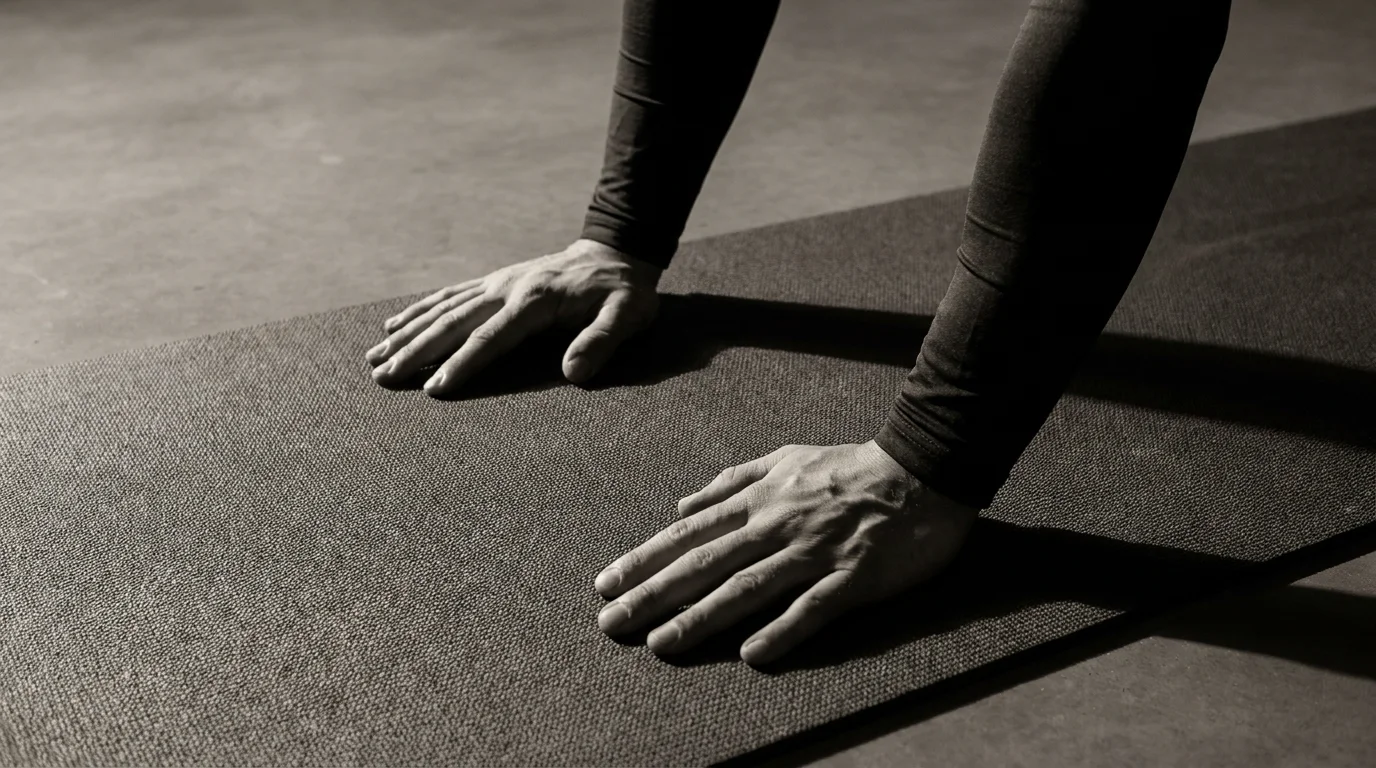
How an Automatic Push Up Counter Works: AI, Camera-Based Counting, and Elbow Angle Detection
Counting methods explained
- AI push-up counter uses pose estimation to track shoulders, elbows, and wrists, and identify a complete rep.
- Live rep counter increments when it detects a full bottom-to-top cycle; some setups blend AI with sensor data for robustness.
- The live counter aims for a steady, accurate count across standard, wide, and diamond push-ups.
Camera-based vs elbow-angle detection
- Camera-based counting relies on the full pose from video and provides real-time reps as you move through the range.
- Elbow angle detection focuses on the bend at the elbow to mark start and finish of a rep.
- Default to camera-based; switch to elbow-angle when the view is limited or lighting is poor, or when you want an extra check on form.
Calibration for push-up styles (standard, wide, diamond)
- For each style, perform a few reps to help the app learn top and bottom positions.
- The system records angle ranges and sets style-specific thresholds.
- Adjust camera distance and height so the shoulders, elbows, and wrists stay clearly visible.
Features, Privacy, and Cross-Platform Wearables: From Apple Watch to Wear OS
Our hands-free push up counter works across devices, delivering a live rep counter that stays in sync whether you’re training on your Apple Watch, a Wear OS watch, or a Garmin device. The app keeps push-up data where you prefer, with cross-device syncing so you can pick up on a different device without losing reps.
Privacy and data ownership
- Data collection is transparent; you choose what to share to the cloud.
- Local-first option keeps workouts on-device; you own your data.
- Clear controls to delete or export data; no sharing without consent.
Offline mode and data portability
- Track workouts offline; no internet needed.
- Later sync when you’re online, if you opt in.
- Export data as CSV or JSON; import back to keep a personal log.
Wearables and cross-platform integration
- Apple Watch push up counter experiences tight integration and quick glance stats.
- Wear OS and Garmin support for a consistent live rep counter across devices.
- Sync status, permissions, and privacy settings are visible and controllable in-app.
Maximizing Results with Safety, Live Feedback, and Training Plans
If you’re curious how does an automatic push up counter work, the AI push-up counter uses camera-based tracking and elbow-angle estimates to count reps and deliver live feedback. The hands-free push up counter keeps your attention on form and tempo, not taps. Use progress reports to guide a structured training plan. For many users, it’s the best AI push-up counter app for workouts, pairing live feedback with progress reports.
Calibration for styles, tempos, and ranges of motion
- Pick your style (standard, incline, or knee) and warm up.
- Set tempo targets (e.g., 2 seconds down, 1 second up).
- Define depth (elbows-to-ROM) to set your range of motion.
Voice feedback customization and accuracy
- Choose volume and cadence that fits your space.
- Run a quick rep check and adjust sensitivity to keep the live rep counter accurate.
Safety guidance and form coaching
- Warm up, keep wrists aligned, ribs braced, spine neutral.
- Stop if pain or sharp twinges appear; adjust height or reps.
Using live feedback to improve performance
- Use real-time cues to lock tempo and depth.
- Review progress reports and follow a structured training plan.
Frequently asked questions
What is an automatic push-up counter and how does it work?
An automatic push-up counter acts like a coaching partner, tallying reps automatically as you move. It uses AI pose estimation to track shoulders, elbows, and wrists and identify a full rep from bottom to top; some setups blend AI with sensor data for robustness.
How accurate is AI-powered push-up counting?
It aims to be steady and accurate, but accuracy can depend on camera angle and lighting. Default is camera-based counting, with elbow-angle checks available when the view is limited or you want an extra form check.
Can I use these apps on iOS, Android, or both?
Yes. These apps work across iOS and Android and offer cross‑device compatibility, including tight integration with Apple Watch, Wear OS, and Garmin devices.
What data is collected and how is privacy handled?
Data collection is transparent and user‑controlled; you choose what to sync to the cloud or keep on-device. You can delete or export your data, and there’s a local-first option that keeps workouts private unless you opt in to cloud storage.
About the authors

Goran Huskić
Co-founder · Professional basketball player
Goran Huskić is a Serbian professional basketball player — a 6'11" center currently playing for Monbus Obradoiro in Spain's Primera FEB. He won the 2019–20 Basketball Champions League with San Pablo Burgos and has competed professionally across Spain, Germany, Lithuania, Serbia and the United States. He co-founded PUSHapp to bring pro-level training discipline to everyday workouts.

Nikola Janković
Co-founder · Former professional basketball player
Nikola Janković is a former professional basketball player — a 6'9" forward and the 2016–17 ABA League MVP — who played for Partizan, Union Olimpija and Mega, among others. Today he runs a pilates studio and gym focused on strength, mobility and overall wellbeing. He co-founded PUSHapp to make consistent, measurable training simple for everyone.