
Apps & Counters
Home Workout No Equipment App: Personalized, Guided Plans
Discover the home workout no equipment app that guides, personalizes, and tracks bodyweight workouts with AI coaching, video demos, and Apple Health sync.


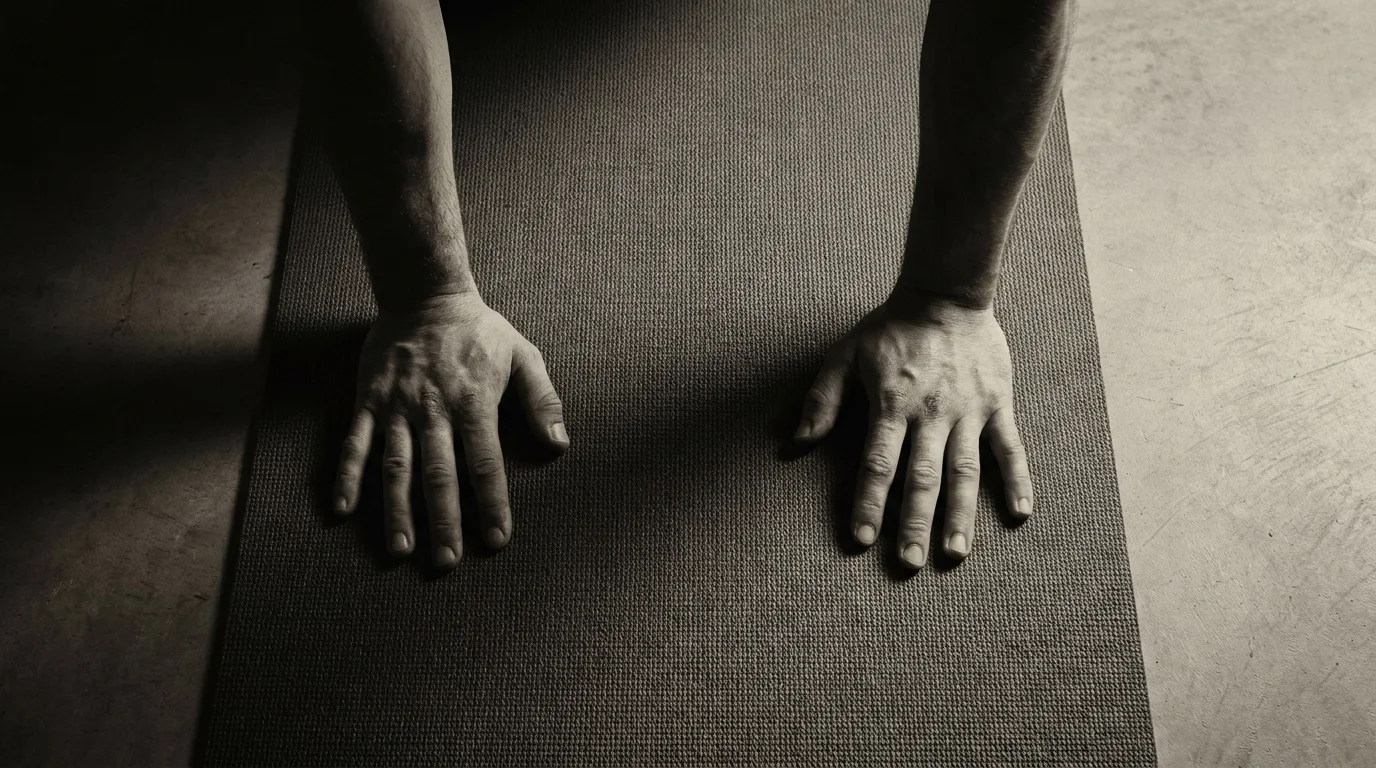
Personalization and AI Coach for No-Equipment Workouts
Adaptive dynamic workout generation that scales with user progress and time constraints
The home workout no equipment app builds a dynamic plan using your recent results, available time, and goals. It pulls movements from a calisthenics app library and adjusts reps, sets, and rest so you hit your target window without guesswork. This no equipment workout app stays responsive: as you improve, it increases challenge or introduces safe progressions, while tailoring rest to keep sessions steady within your time constraints.
Natural language coaching and corrective feedback from an AI coach
You get guidance in plain, concise language throughout each move. The AI coach offers cues for setup, breathing, and alignment, and can flag form issues. If you pause or drift, it suggests quick corrections or micro-drills to restore technique.
Injury prevention, warm-up, and safety cues tailored to user level
Each workout starts with a smart warm-up that targets your joints and mobility needs. The AI coach flags fatigue signs and tailors warm-up and cooldown cues to your level, helping you reduce risk and finish strong.
Comprehensive Library & Programs: Goals, Progressions, and Short-Form Routines
Goal-based programs with explicit progression paths
In the mapped library, each goal—HIIT, calisthenics, Pilates, and core—offers a clear ladder: beginner, intermediate, advanced. HIIT moves increase tempo and reduce rest over time; calisthenics progressions move from assisted to standard bodyweight variations; Pilates emphasizes control and breath, with gentler to more challenging sequences; core builds from static planks to dynamic holds. Weekly goals sync to the home workout app’s plan, and progress is visible in the bodyweight workout app view, keeping you honest and consistent.
7-minute workouts and longer no-equipment routines
Quick 7-minute circuits pack core moves, push/pull basics, and mobility. Longer programs run 20–40 minutes, sustaining sessions without any equipment while leveraging efficient progressions. As a no equipment workout app, it supports routines you can do anywhere.
Video demonstrations, form cues, and accessibility options
Video demonstrations show each move with cues: neutral spine, braced core, controlled reps, and safe landings. Offline access lets you download videos for gym-free routines anytime.
Tracking, Offline Access, Accessibility, and Monetization
Cross-platform data and device integration beyond Apple Health
- Your workouts sync with Apple Health, Google Fit, and Samsung Health, keeping progress in one place.
- Data sync is two-way where supported, so activity from the app updates your ecosystem and vice versa.
Offline access, video download, and cue playback
- Download workouts for offline use, including videos and on-screen cues.
- Audio guidance keeps you moving without looking at the screen.
- Captions stay synced for clarity.
Progress visualization, milestones, and long-term trajectory
- See a clear progress graph of sessions and minutes; track streaks.
- Milestones like weekly consistency are highlighted; long-term trajectory helps adjust pacing.
Accessibility, audio cues, captions, and safety features
- Audio cues guide tempo and form; captions help comprehension.
- Built-in warm-up and cool-down sequences reduce risk and support recovery.
Monetization: free trials, subscriptions, and value-based tiers
- Free trial periods to explore features.
- Subscriptions unlock full access; value-based tiers align pricing with goals.
Frequently asked questions
Do home workout apps sync with health platforms like Apple Health or Google Fit?
Yes. The article states that workouts sync with Apple Health, Google Fit, and Samsung Health, with two-way data sync where supported.
How long should a daily no-equipment home workout last?
Typical sessions are 15–30 minutes. You can also do quick 7-minute circuits or longer 20–40 minute programs to fit your schedule.
Can you build muscle with bodyweight workouts using a home workout app?
Yes, through progressive overload and bodyweight progressions from assisted to standard moves to build strength over time.
What types of workouts are available without equipment (HIIT, calisthenics, Pilates)?
It offers HIIT, calisthenics, Pilates, and core work, with 7-minute circuits and longer 20–40 minute routines—all without equipment.
About the authors

Goran Huskić
Co-founder · Professional basketball player
Goran Huskić is a Serbian professional basketball player — a 6'11" center currently playing for Monbus Obradoiro in Spain's Primera FEB. He won the 2019–20 Basketball Champions League with San Pablo Burgos and has competed professionally across Spain, Germany, Lithuania, Serbia and the United States. He co-founded PUSHapp to bring pro-level training discipline to everyday workouts.
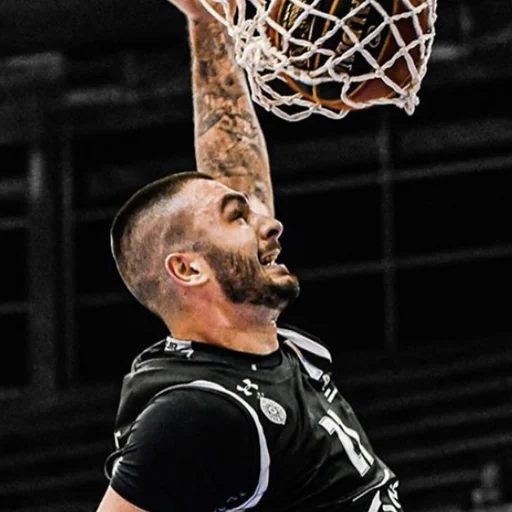
Nikola Janković
Co-founder · Former professional basketball player
Nikola Janković is a former professional basketball player — a 6'9" forward and the 2016–17 ABA League MVP — who played for Partizan, Union Olimpija and Mega, among others. Today he runs a pilates studio and gym focused on strength, mobility and overall wellbeing. He co-founded PUSHapp to make consistent, measurable training simple for everyone.