Why a laptop is a great counting setup
A laptop webcam sits at a natural height and angle for push-ups: place the laptop on the floor a couple of steps away, and the camera sees your hands, shoulders, and hips without any propping tricks.
- Works on Windows, Mac, Linux, and ChromeOS
- Chrome, Edge, Safari, and Firefox are all fine
- Pose detection runs locally in the browser tab
Set up in under a minute
There is no download and no account needed to try it. Open the counter, allow camera access, and position yourself so your upper body is in frame — the app checks visibility before the set starts.
- Put the laptop on the floor, screen tilted slightly up
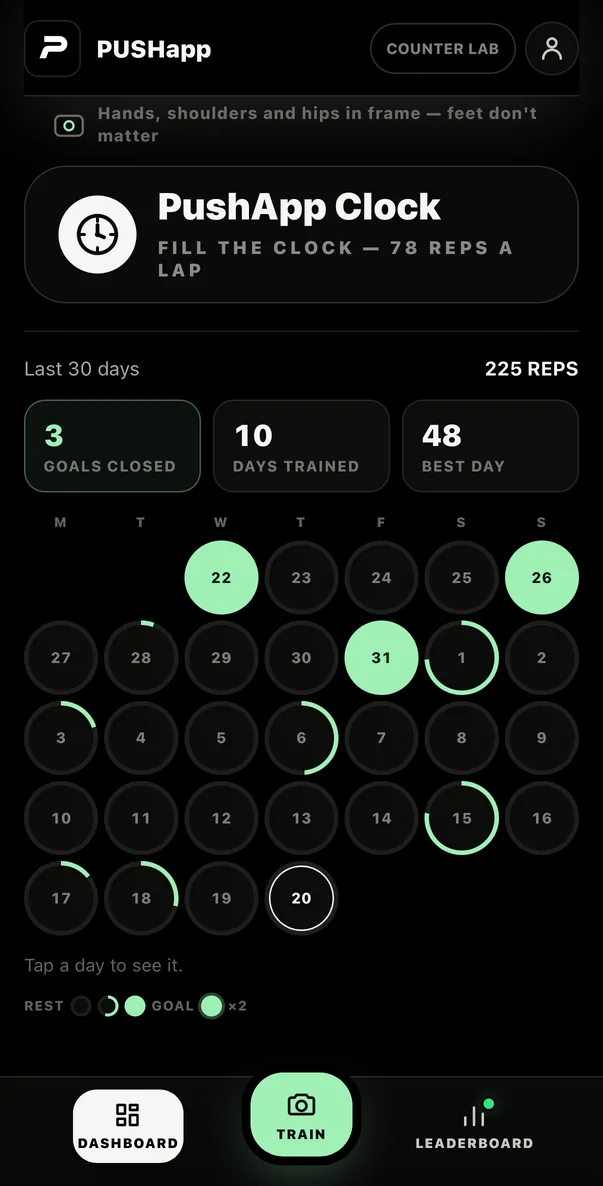
- Train side-on or at an angle — feet don't need to be in frame
- Good light makes counting more reliable
Same account everywhere
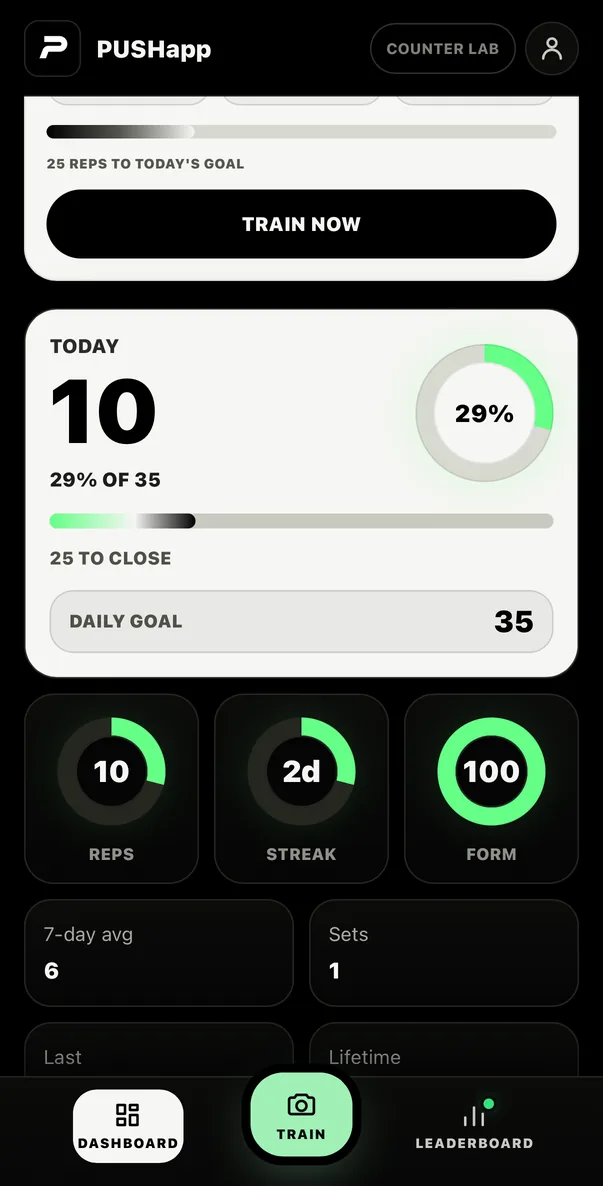
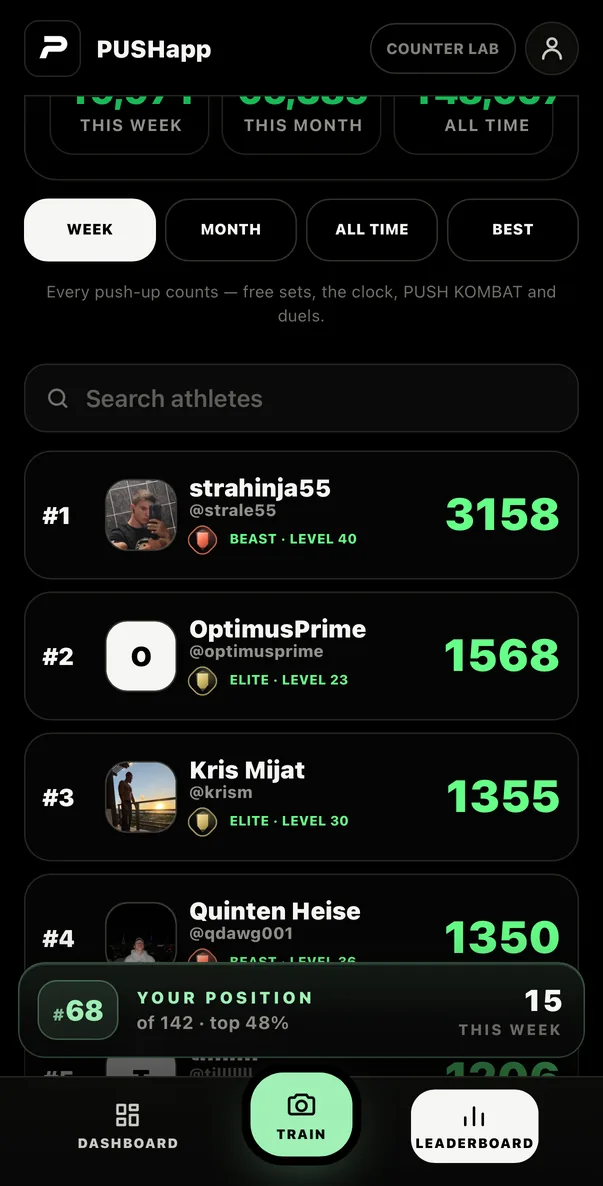
Reps counted on your PC share one profile with the iPhone and Android apps. Count at your desk during breaks, and your streaks, records, and leaderboard rank stay in sync.
Frequently asked questions
Can I count push-ups on a PC without installing anything?
Yes. PUSHapp runs entirely in the browser. Open the counter page, allow camera access, and it counts reps with your webcam — no download required.
Does it work on a Chromebook?
Yes. ChromeOS runs Chrome, and the counter works in Chrome with the built-in webcam like on any other laptop.
Is my webcam video uploaded?
No. Pose detection runs locally in your browser. Video is not uploaded to count your push-ups.